Your wedding day will be full of moments you see, moments you miss, and moments your guests capture from angles no photographer ever could.
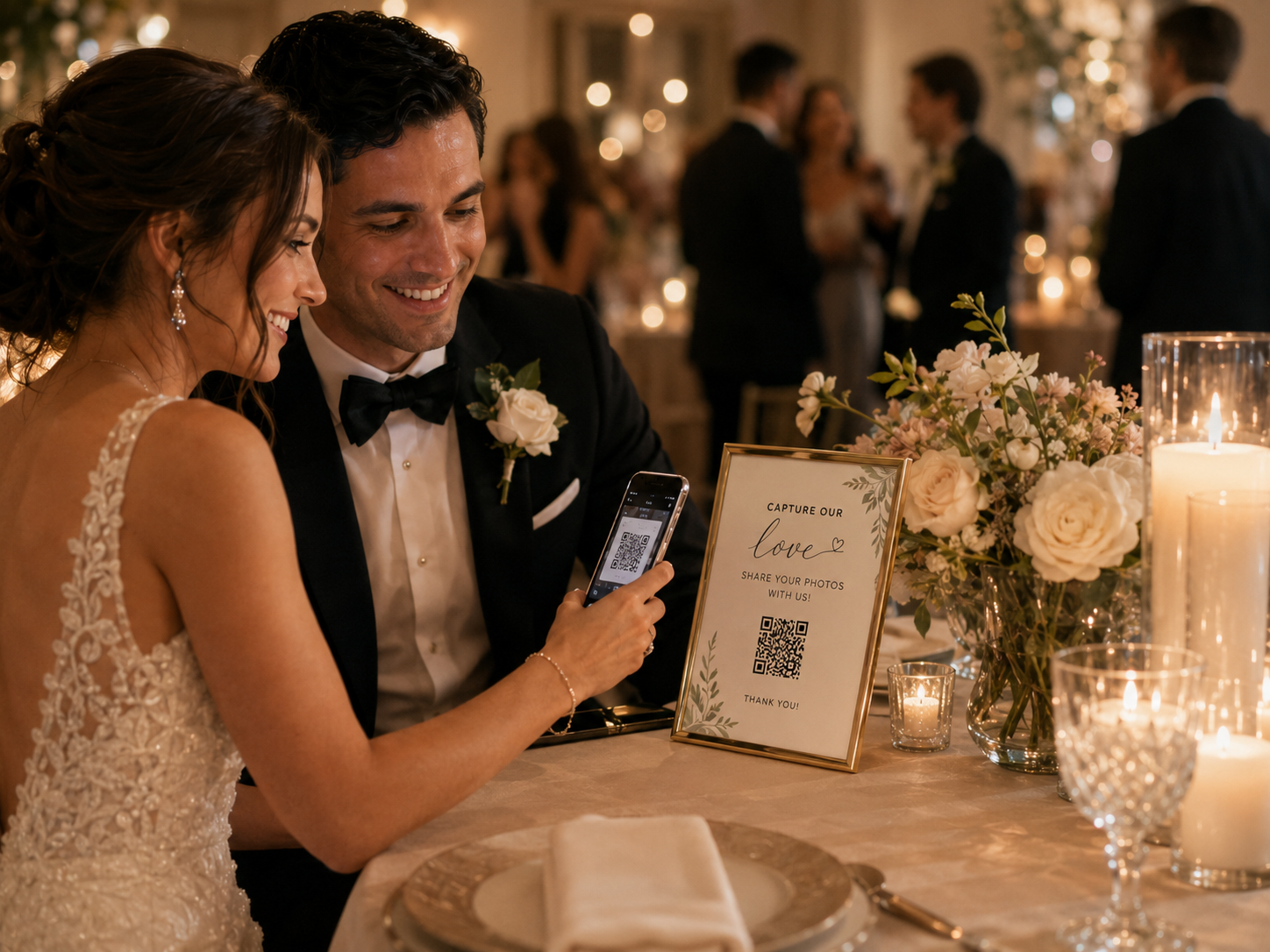
With Selfie’s wedding QR code photo sharing, your guests can scan a simple QR code, upload their photos and videos, and help create a private online gallery full of candid memories from your day.
A wedding QR code gallery should be effortless for your guests and beautifully simple for you.
Snap.
Guests Capture the Moments
The laughter at the tables, the dance floor videos, the morning preparations, the reactions, the hugs and the little moments you may never have seen.
Scan.
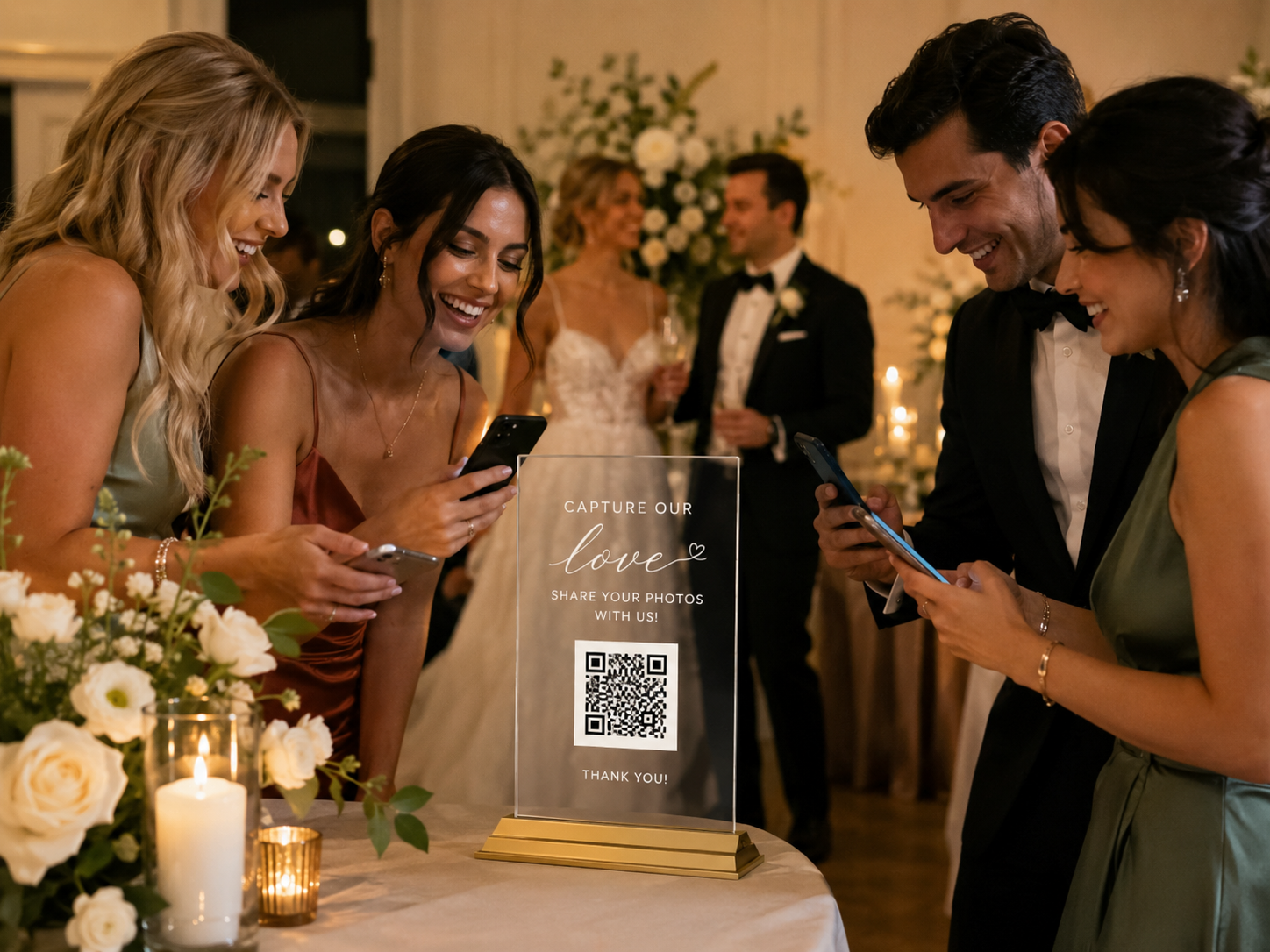
They Scan Your QR Code
Guests scan the QR code with their phone camera and upload their photos and videos directly to your private gallery. No app, account or login required.
Save.
One Private Gallery
Photos and videos are collected in your private wedding gallery, giving you one simple place to relive every moment your guests captured.
We provide a QR code that links directly to your wedding photo upload page ready to use on all your wedding stationery.
03
Guests Upload Instantly
Guests scan the code with their phone camera and upload their favourite photos and videos directly. No app. No login. No fuss.
04
You Enjoy the Memories
After the wedding, one private place to view every moment your guests captured — the funny, emotional and unexpected ones too.
Perfect For
The Moments Your
Photographer Might Miss
Even the best photographer cannot be everywhere at once. Wedding QR code photo sharing is ideal for collecting the candid moments that happen all around you.
A private QR code gallery is cleaner, simpler and more controlled than a wedding hashtag. Your guests do not need to post anything publicly.
Wedding Hashtag
Posts publicly on social media
Relies on guests remembering the tag
Photos compressed by social media
Stories disappear after 24 hours
No control over who sees content
Private QR Gallery
Completely private and controlled
One direct upload link
Full quality photos and videos
Gallery lives forever
You choose who has access
Ideal For
Couples Who Want
Something More Considered
This is ideal for couples who want a more private and elegant way to collect their wedding memories without the noise of social media.
Where to Display It
The Best Places for
Your Wedding QR Code
The best QR codes are visible without feeling intrusive. A few thoughtful locations work better than covering the whole wedding in codes.
Wedding Website
Share the upload link before or after the wedding so guests can add photos at any time — even days later.
Welcome Sign
A QR code near the entrance lets guests know from the start that they can contribute to your gallery.
Guest Book Table
Perfect if you are also using a traditional guest book or audio guestbook guests are already pausing there.
Bar Area
Guests naturally gather at the bar throughout the evening, making it a strong placement for reminders.
Photo Booth Area
If you are hiring a Selfie photo booth, the QR code sits neatly beside the booth without affecting the print design.
Works Beautifully With
Even Stronger Alongside
a Selfie Photo Booth
Wedding QR code photo sharing works perfectly as a standalone service but it is even stronger when paired with a Selfie photo booth. The booth captures the polished guest experience. The QR gallery captures everything else.
“The photo booth captures the polished guest experience. The QR gallery captures everything else. Together, they create a much fuller memory of your wedding.”
Selfie Photo Booth
Table Card Wording
Wedding QR Code
Wording Ideas
The wording should be short, warm and obvious. Here are our recommended options to use on your table cards, signage and stationery.
Recommended
"Snap. Scan. Save.
Share the moments we might miss. Scan to upload your photos and videos to our private wedding gallery.”
Alternative
"Snap. Scan. Save.
Caught a moment we missed? Upload it here.”
Minimal
"Snap. Scan. Save.
Add your favourite photos and videos to our wedding gallery.”
Questions
Wedding QR Code
FAQ
How do guests upload their wedding photos?
Guests scan your wedding QR code with their phone camera and follow the upload link. They can then add photos and videos directly from their phone to your private wedding gallery.
Do guests need to download an app?
No. Guests scan the code, open the upload page and add their photos — that’s it. No app, no login, no complicated process. The aim is to make it as simple as possible so every guest actually uses it.
Can guests upload videos too?
Yes. Guests can upload both photos and videos, which is ideal for speeches, dance floor clips, reactions and behind-the-scenes moments you would otherwise never see.
Is the wedding gallery private?
Yes. Your gallery is shared only with the people you choose. You display the QR code at the wedding, send the link privately, or share it after the event — entirely on your terms.
Can we personalise the gallery?
Yes. Your gallery can be named around your wedding — your names, wedding date or event title. It makes the experience feel personal and considered from the moment guests arrive.
Can we use this without hiring a photo booth?
Yes. Wedding QR code photo sharing can be booked as a standalone service or added to your Selfie wedding photo booth booking. It works beautifully either way.
Is this better than a wedding hashtag?
A wedding hashtag relies on guests posting publicly on social media and remembering to use the correct tag. A private QR code gallery gives guests one direct place to upload without posting publicly — and nothing gets compressed or lost in feeds.
Where is the best place to put the QR code?
Table cards, welcome signs, guest book tables, bar areas and photo booth areas usually work best. A few visible placements is better than covering the whole venue — the aim is easy to find without feeling intrusive.
Ready When You Are
Create an
Unforgettable
Experience
Limited availability secure your date today and let Selfie Photo Booth make your event something your guests will never forget.